Portfolio Web-design
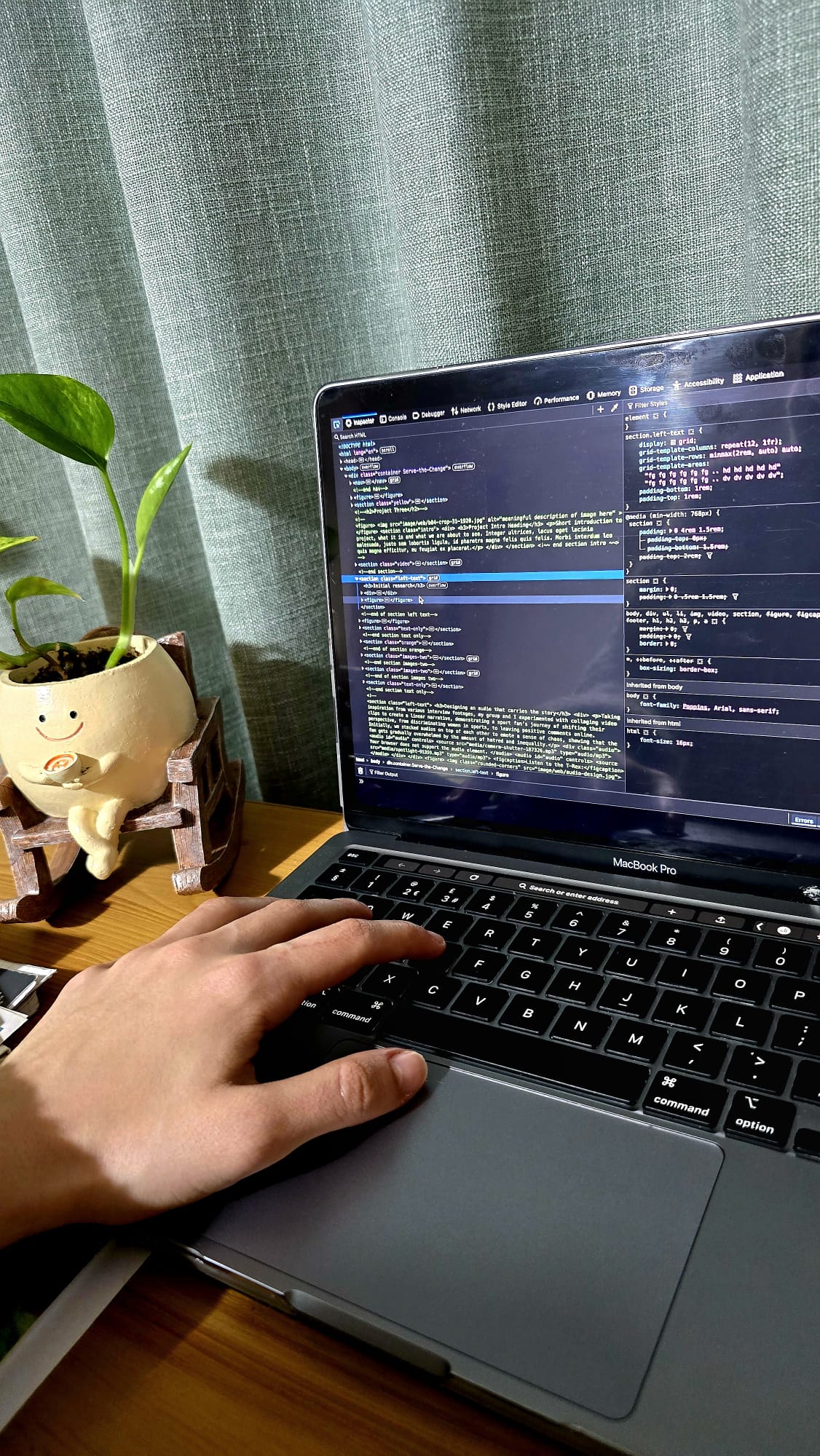
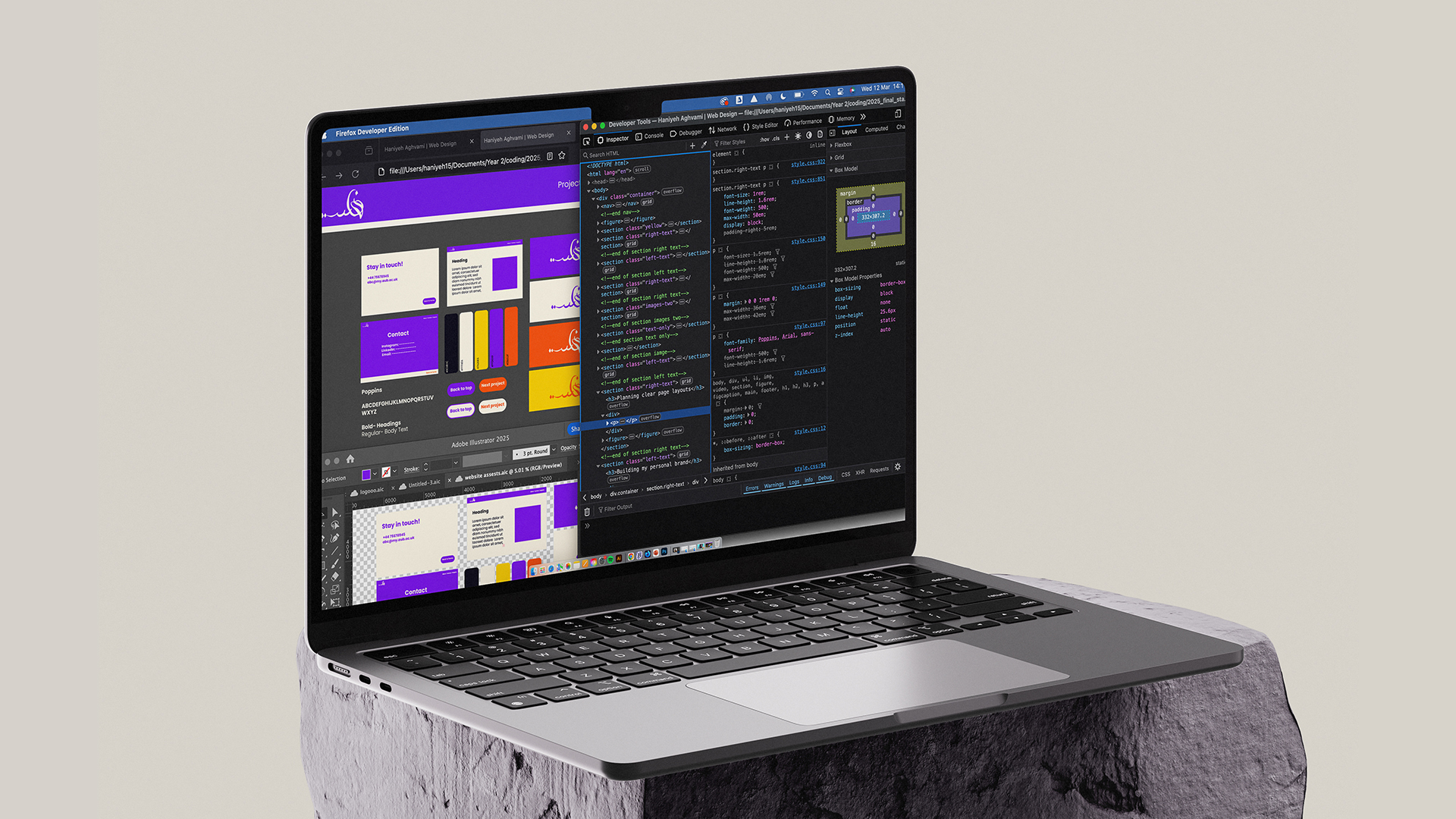
This project features a hand-coded website, using HTML and CSS. The purpose of this portfolio website is to clearly demonstrate my skillset, experiences and personality as a graphic designer.
Preparing for the challenge
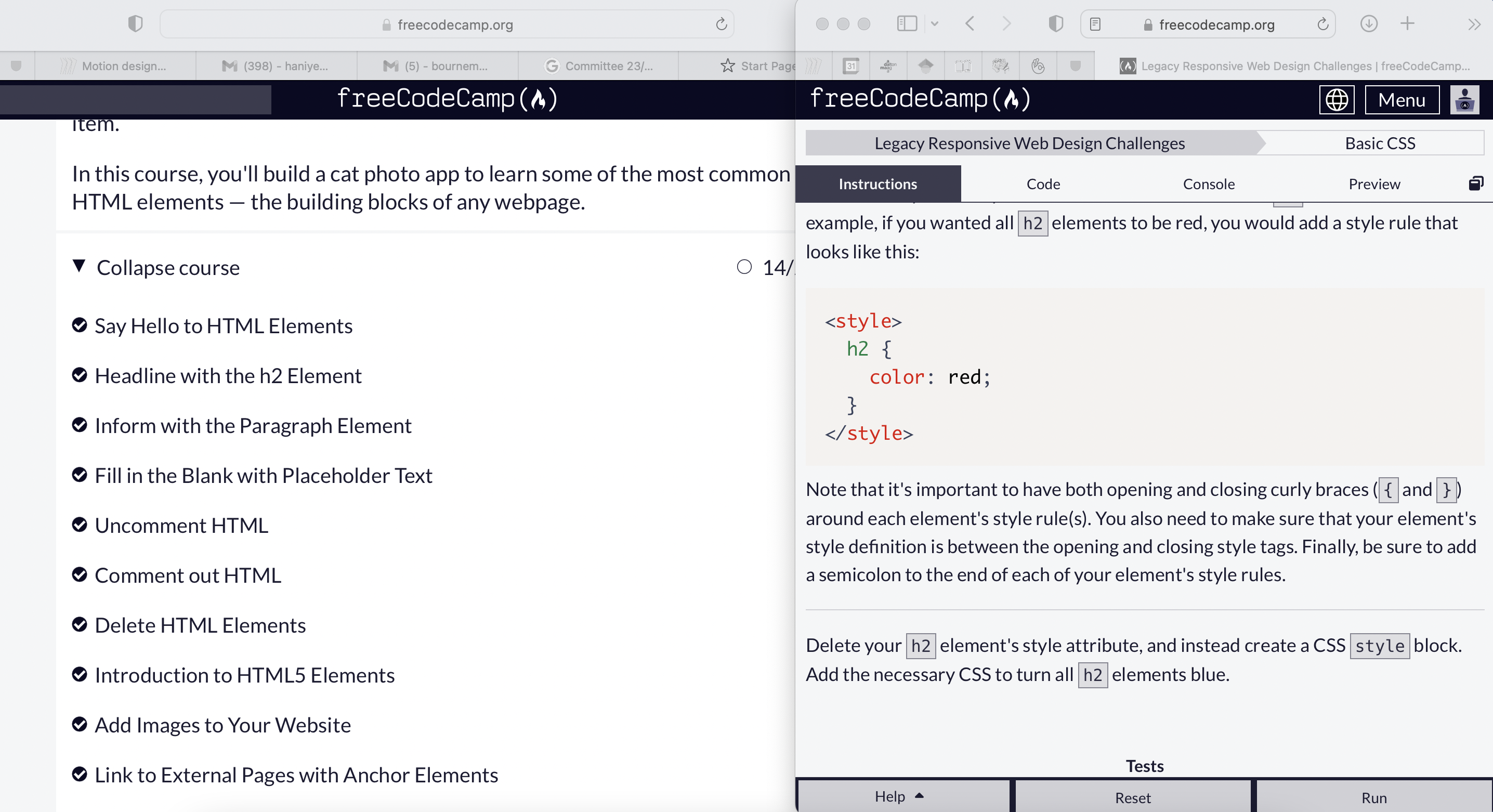
I began preparations for this project during the Christmas break- I completed tasks on FreeCodeCamp to gain a foundational understanding of HTML and CSS. I also referred to online resources such as AWWWards for portfolio design inspiration.
What makes a good portfolio website?
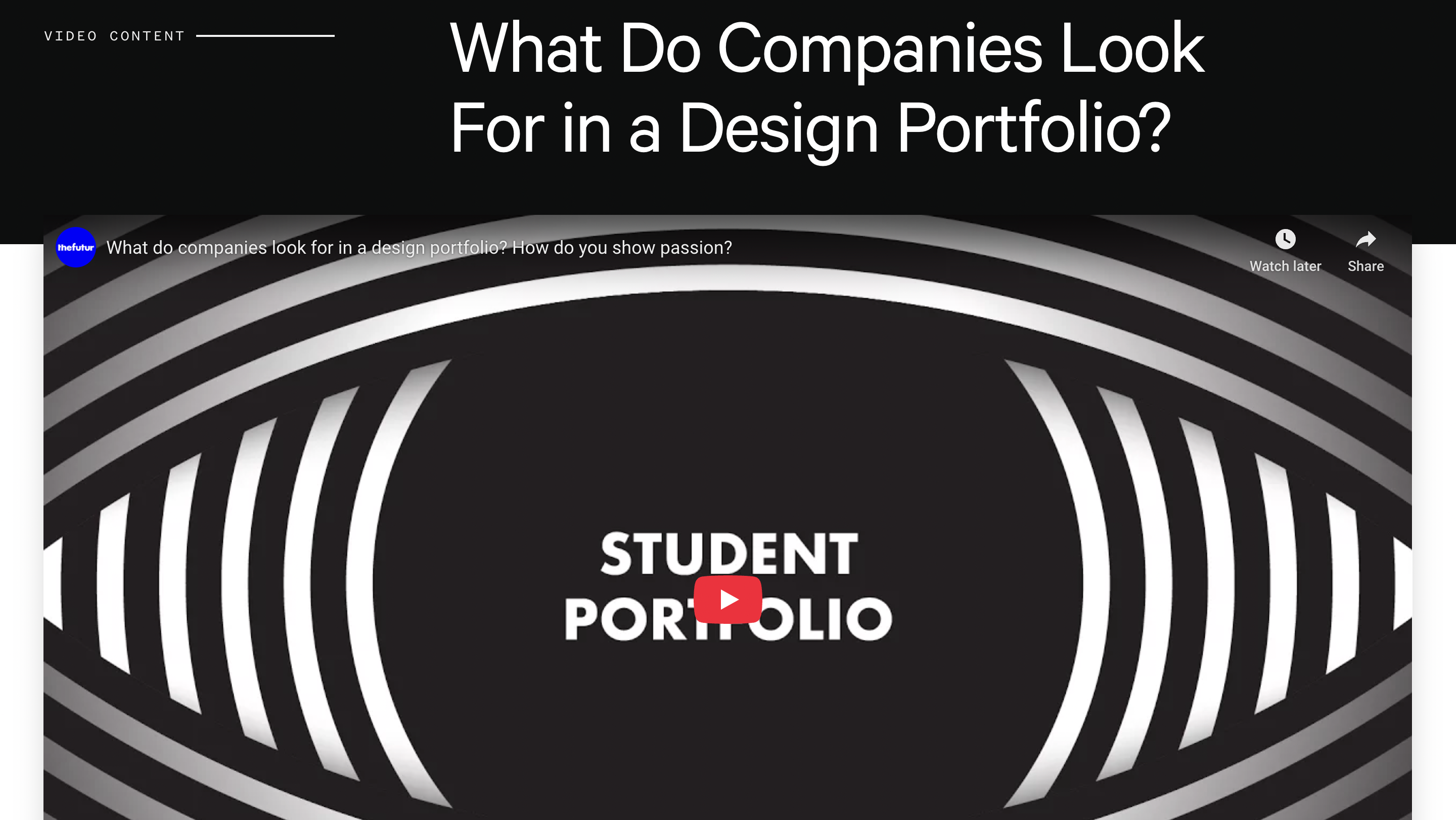
Keeping the target audience in mind, I undertook research into what makes a successful portfolio and what employers look for; my takeaways were that clear communication throughout a portfolio is key to keeping users engaged. As I develop my portfolio website, I will ensure I bring clarity and consistency into my texts, imagery and brand identity.
Mapping out the website’s structure
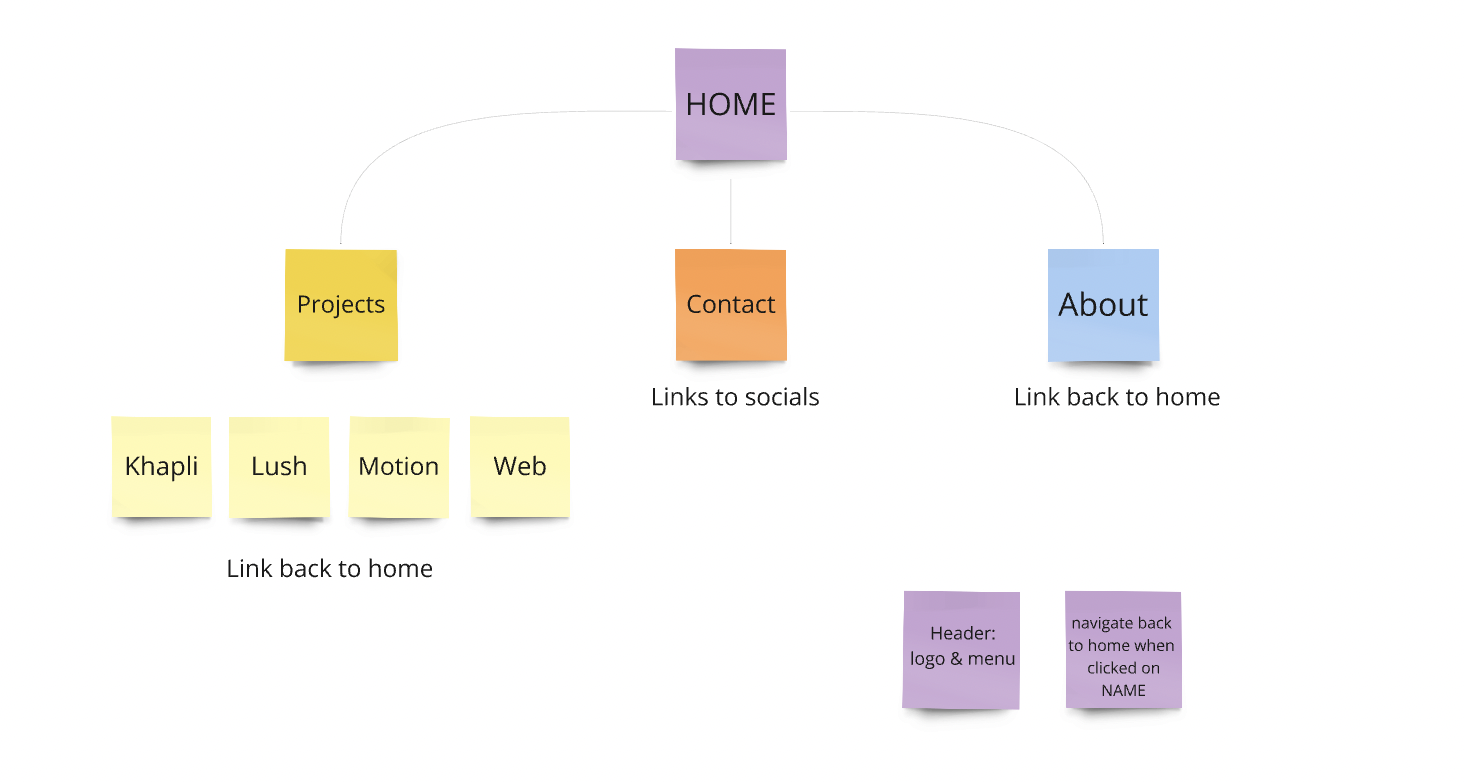
To structure the website, I made a site map, allocating frames to their suitable locations. This exercise was an early practice of creating a smooth user flow, ensuring the pages are easily accessible.
Initial wireframing
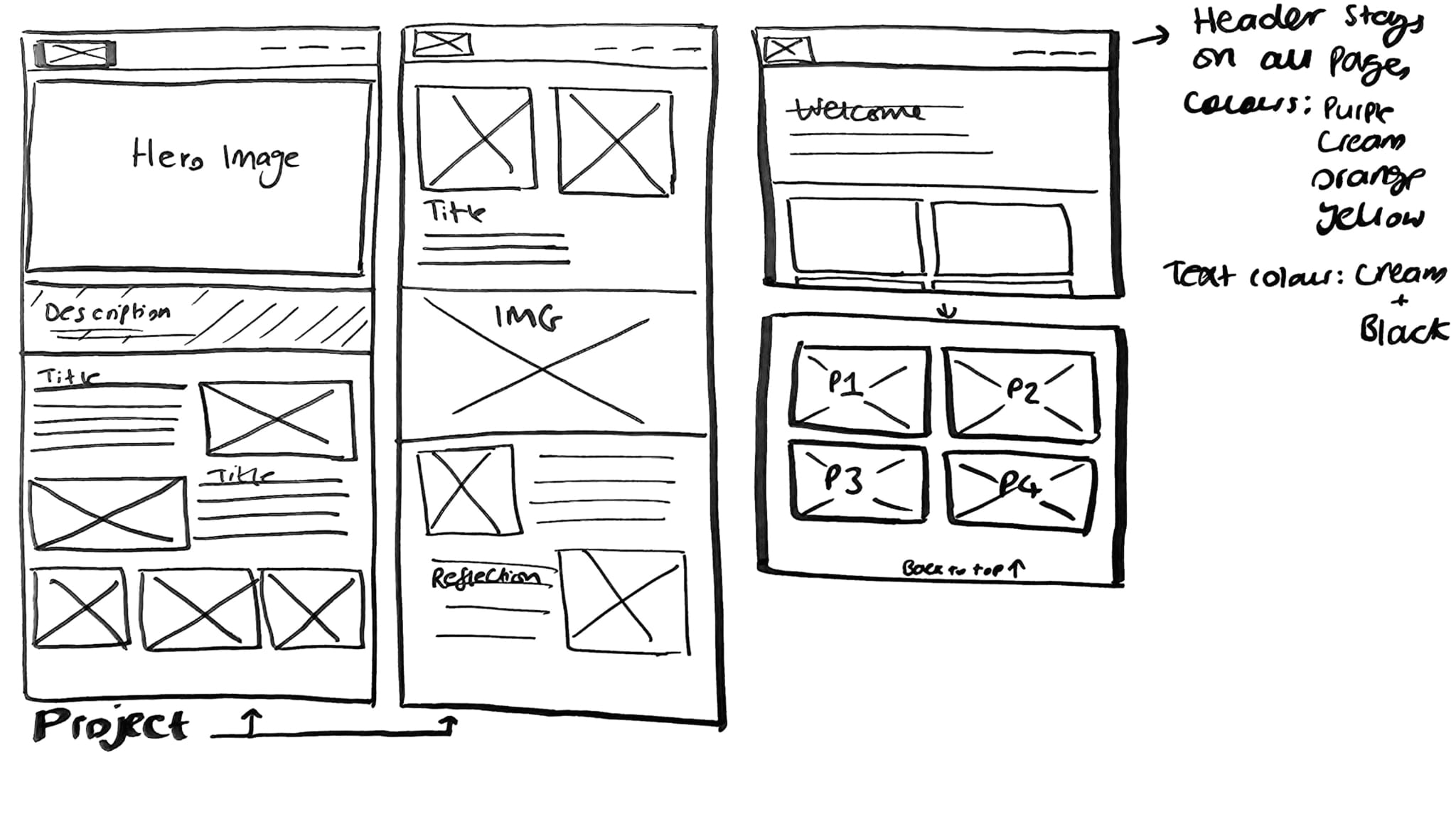
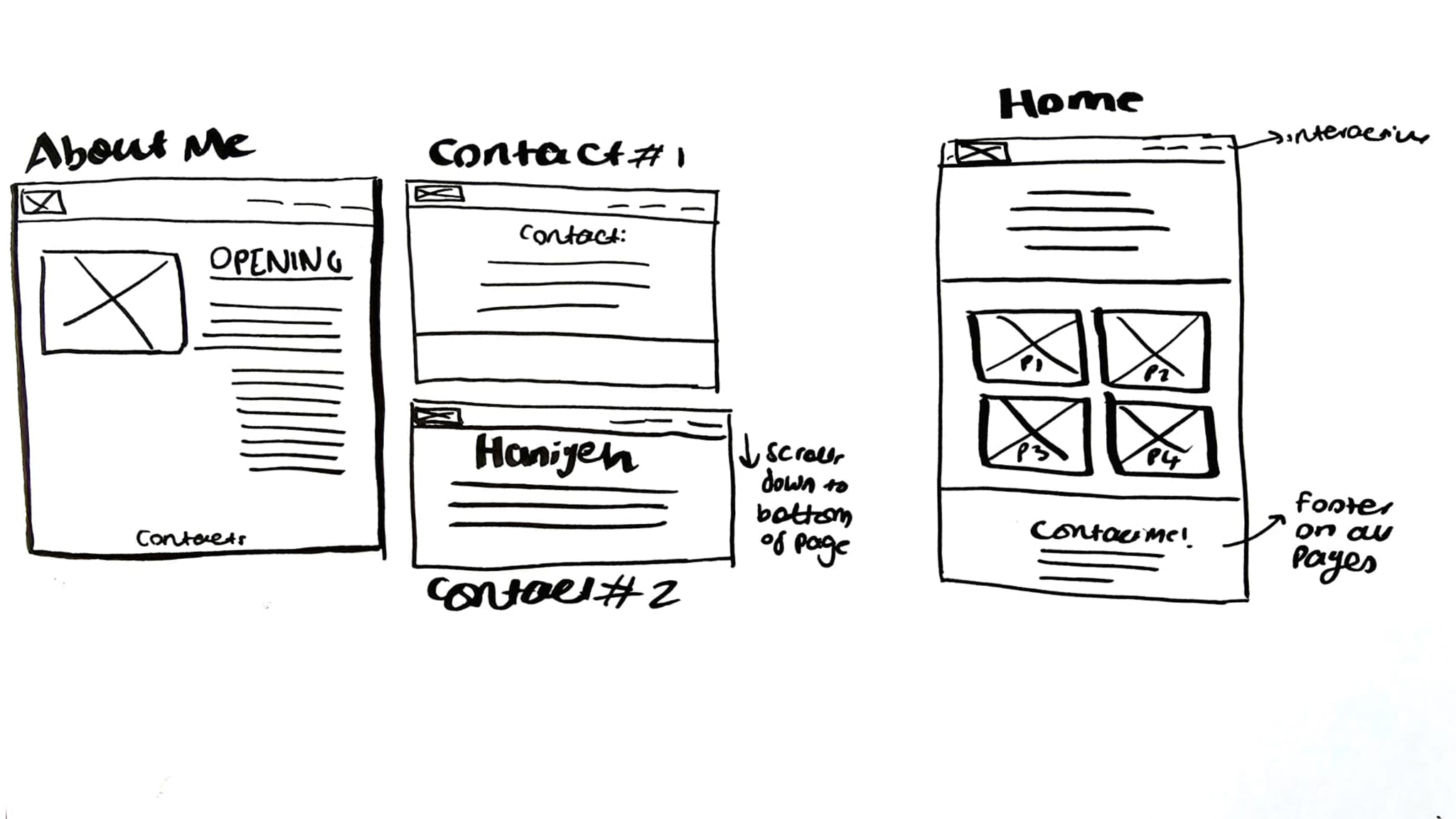
First I planned a rough layout for each page on paper, highlighting where key elements such as texts, images and buttons will be placed. I browsed through portfolio websites for design inspiration which I found particularly useful. I then transferred these onto Figma, gradually adding body text and images for each project. I found Figma to be especially helpful for rearranging content to create various layout designs, refining them as I went along.
Prototyping a home page
From the get-go, I had decided to keep my website clear and concise; using Figma, I began to build prototypes for my home page, experimenting with colour, typography and compositions. I found it was integral to plan a cohesive structure that holds the content together throughout the website, instead of acting as static pages, being a tool that tells a narrative to the user.
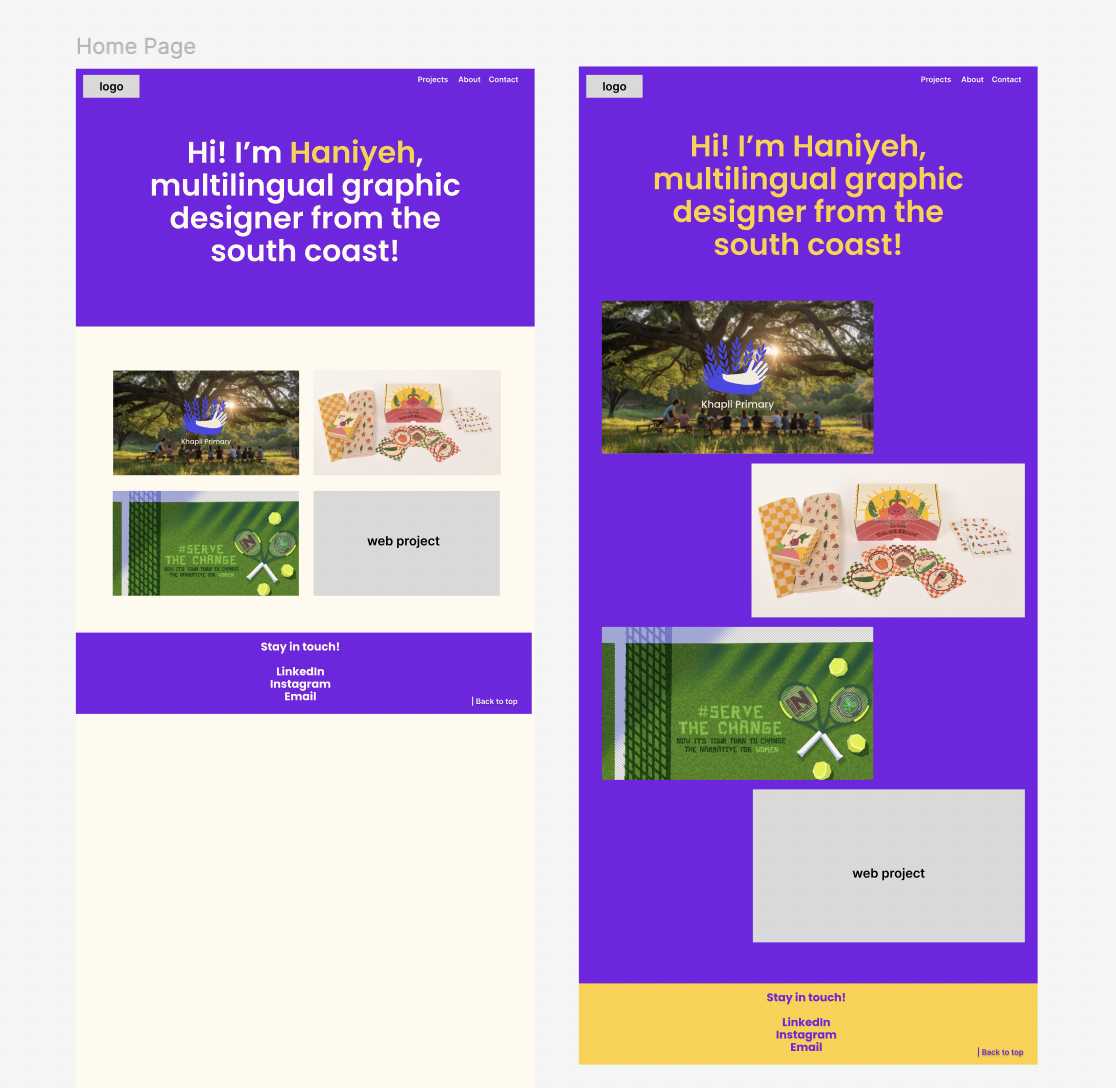
Planning clear page layouts
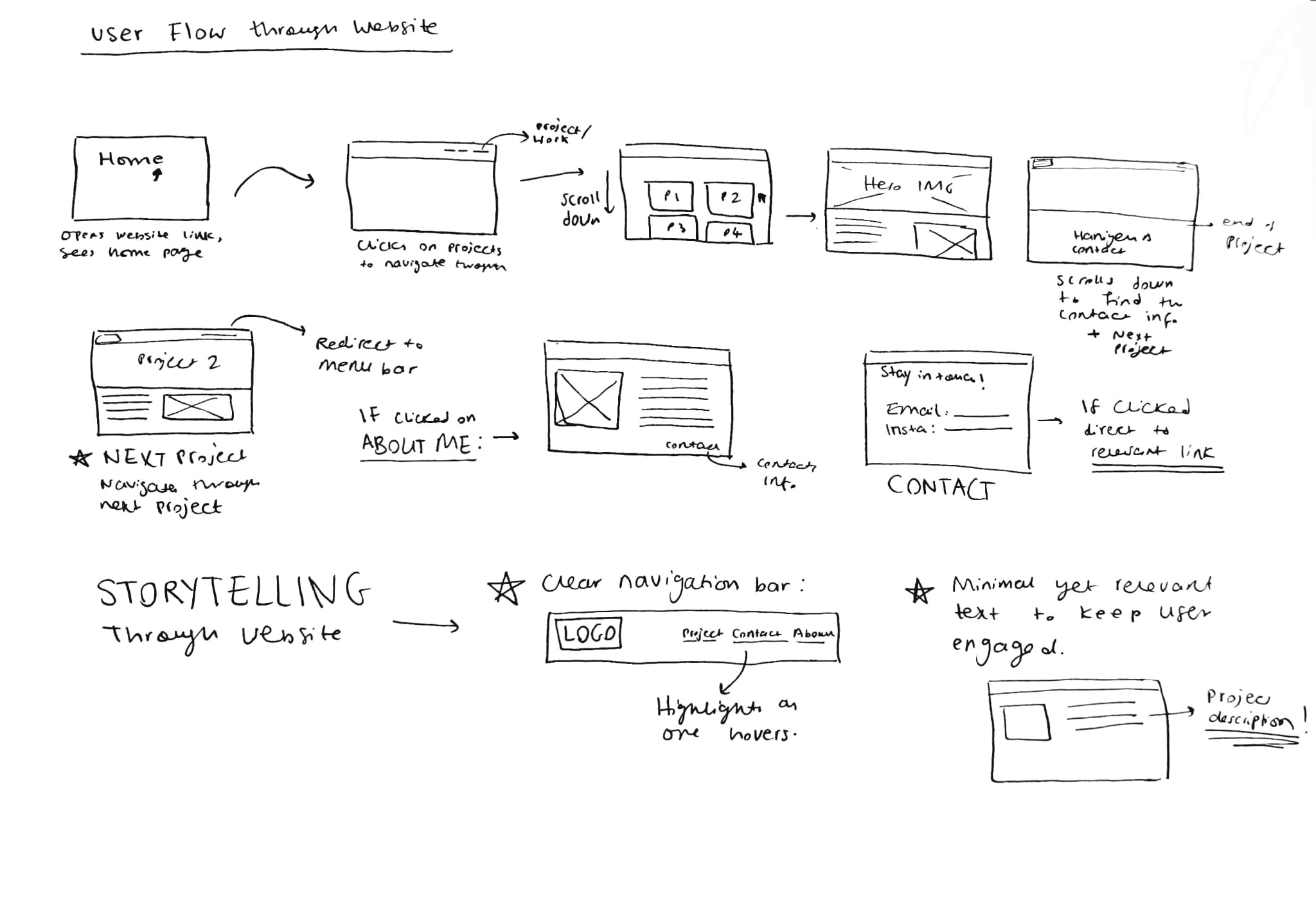
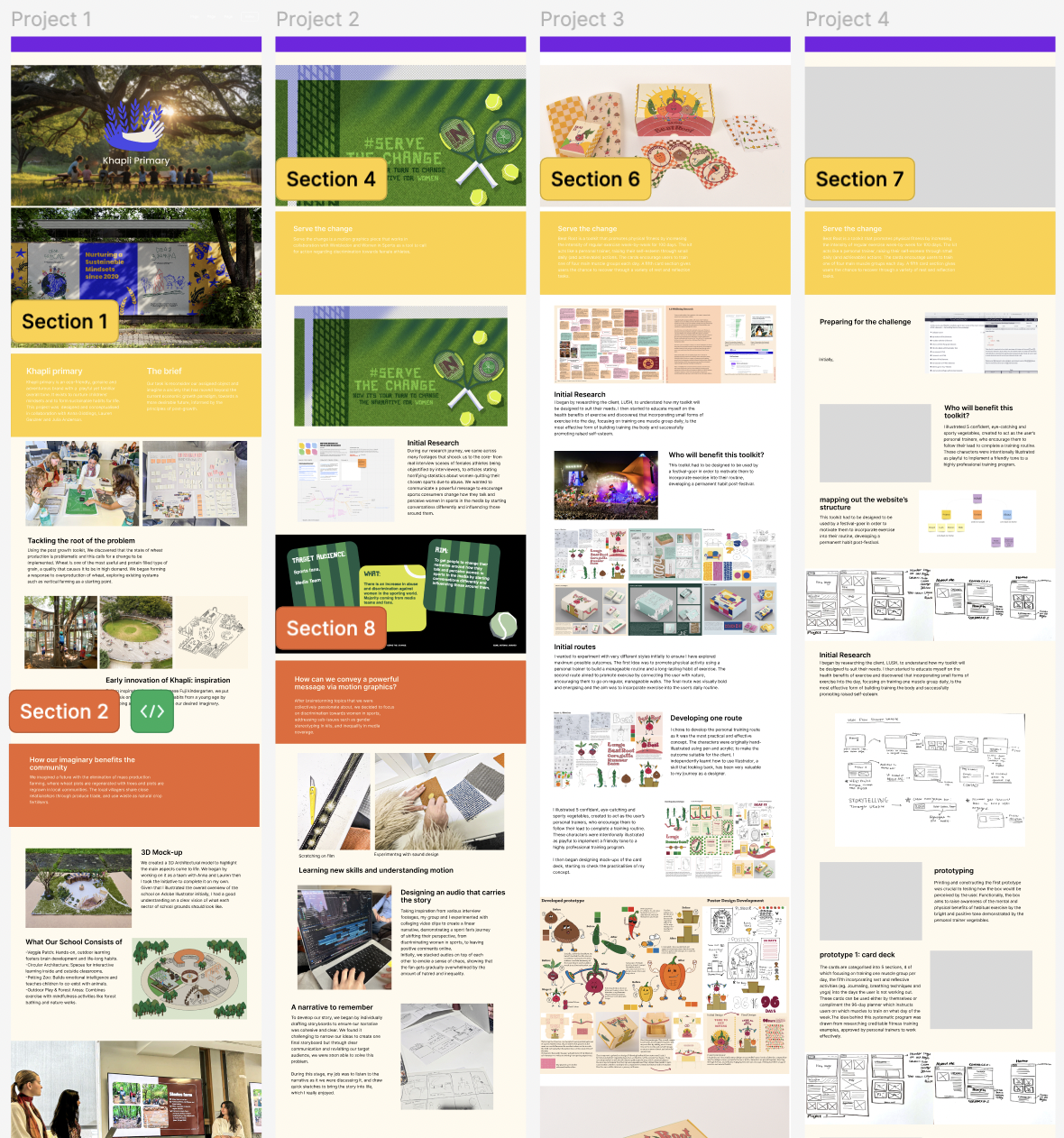
As I continued planning a structure, I became progressively more comfortable with building a layout which takes the user on a journey. This was a challenge to begin with as I had only created static, pdf portfolios, so I had to shift perspectives and design with the user’s needs in mind. Once I established a structure to commit to, I experimented with purposefully breaking out of the structure to allow maximised user engagement.
Building my personal brand
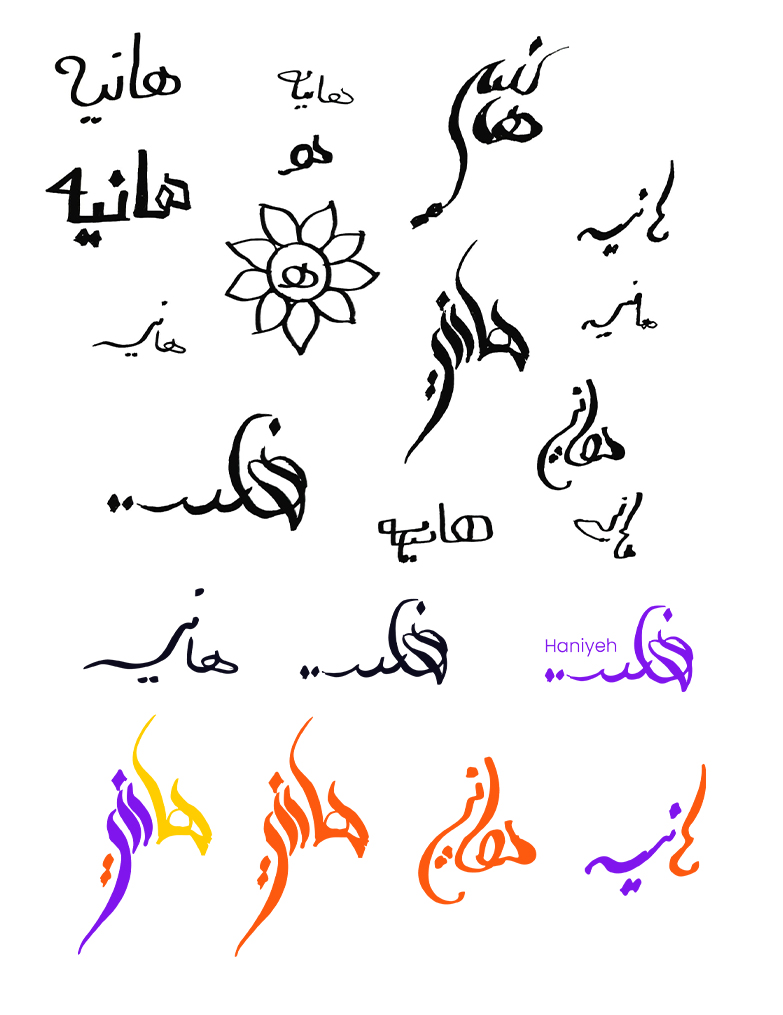
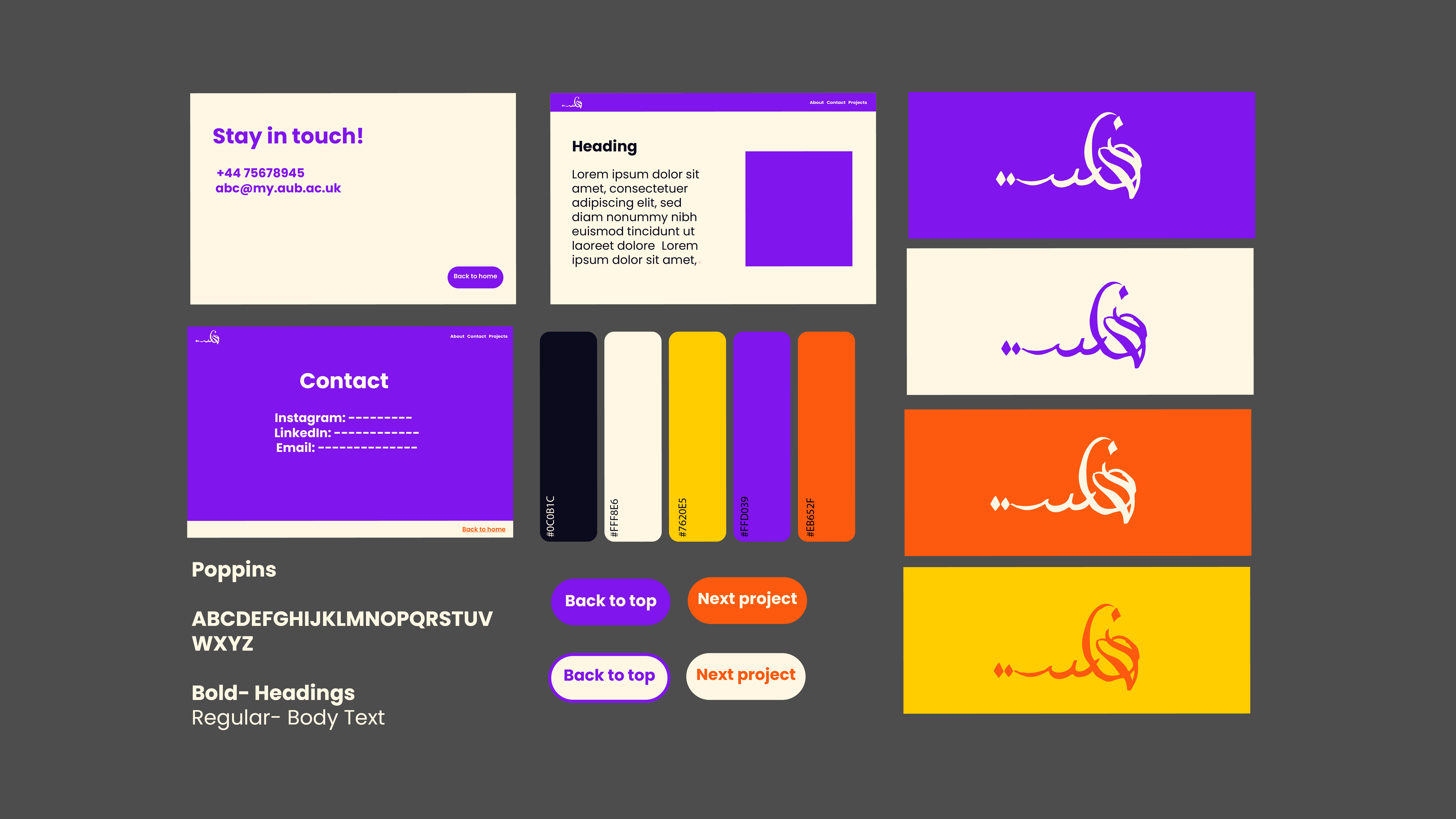
The thought of building a personal brand was both exciting and daunting to begin with. I find it exciting to be able to share a story visually, however, creating a strong and memorable brand was challenging, so I approached this with care and began brainstorming lots of ideas for a logo, various colour combinations and typography styles which best suited me as a designer and complimented my designs.
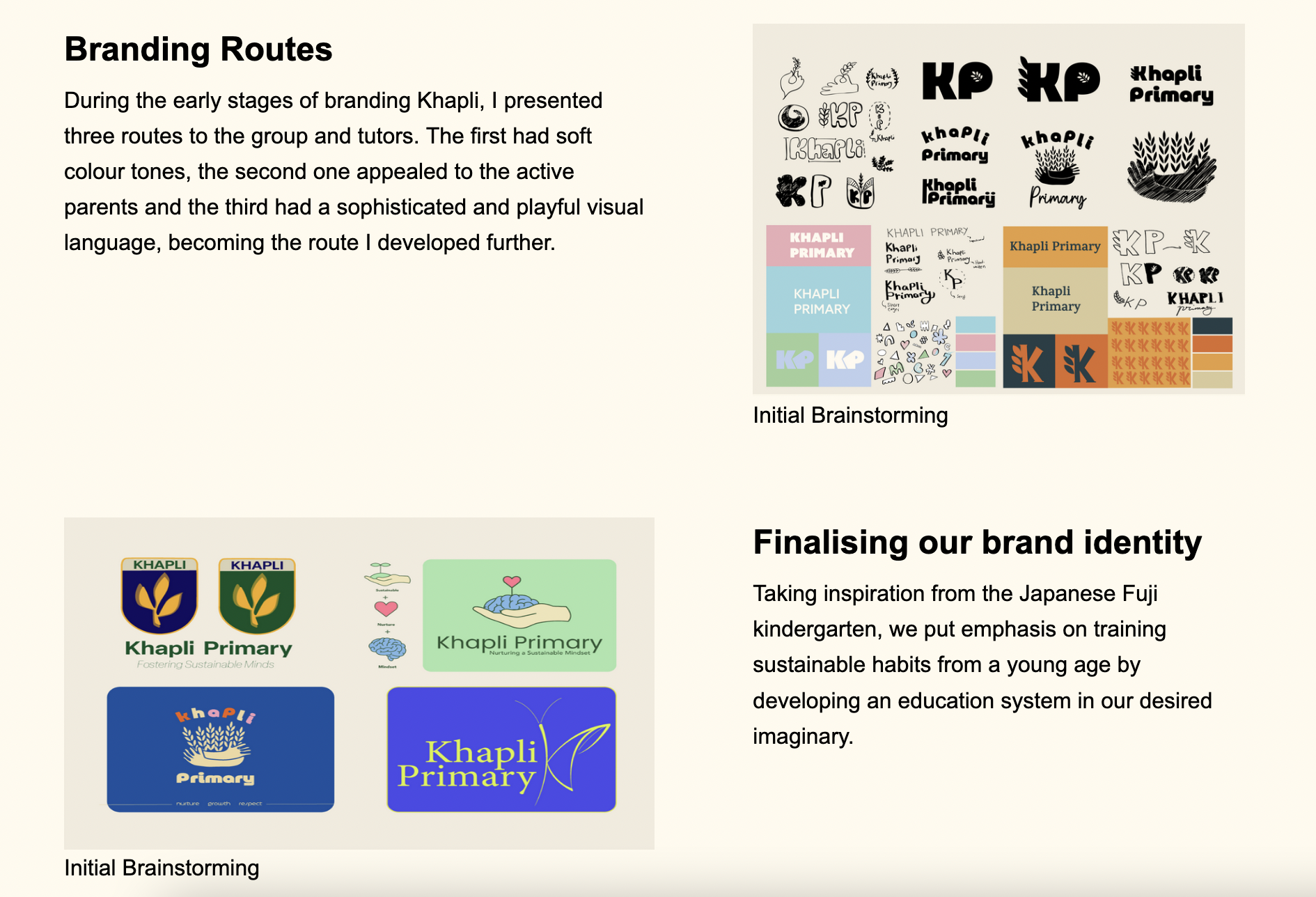
The purpose of this portfolio website is for recruiters to navigate through my work, gaining a good understanding of my personality, design interests and work ethic as a designer, therefore I knew the visual branding was a crucial element to this task. I chose a vibrant colour palette to reflect my optimistic and bubbly personality. I experimented with various logo designs, exploring different ways calligraphy styles in Persian as being bilingual is a valuable skill that I possess and my culture is a vital part of my life and personality.
The start of the web journey
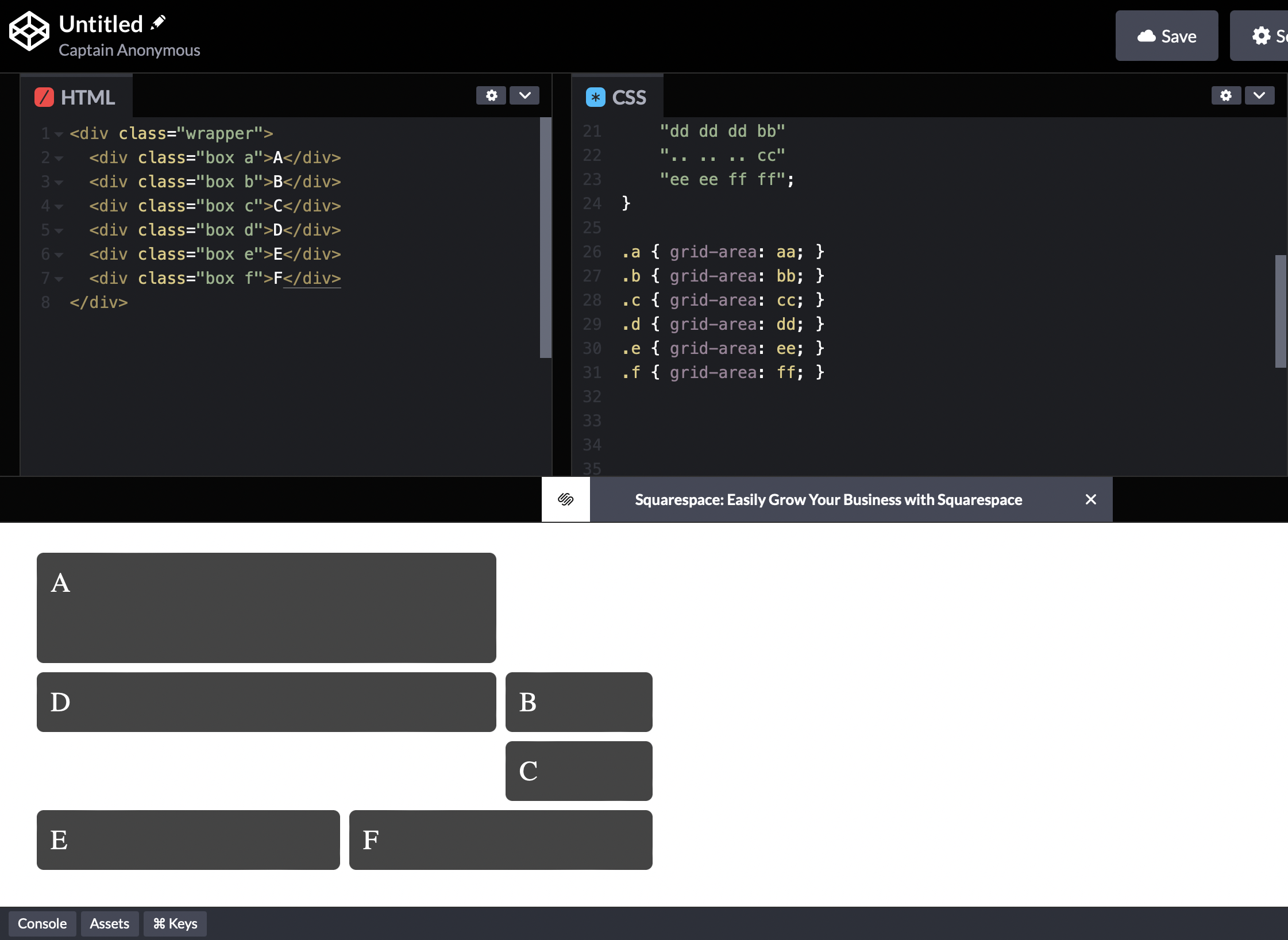
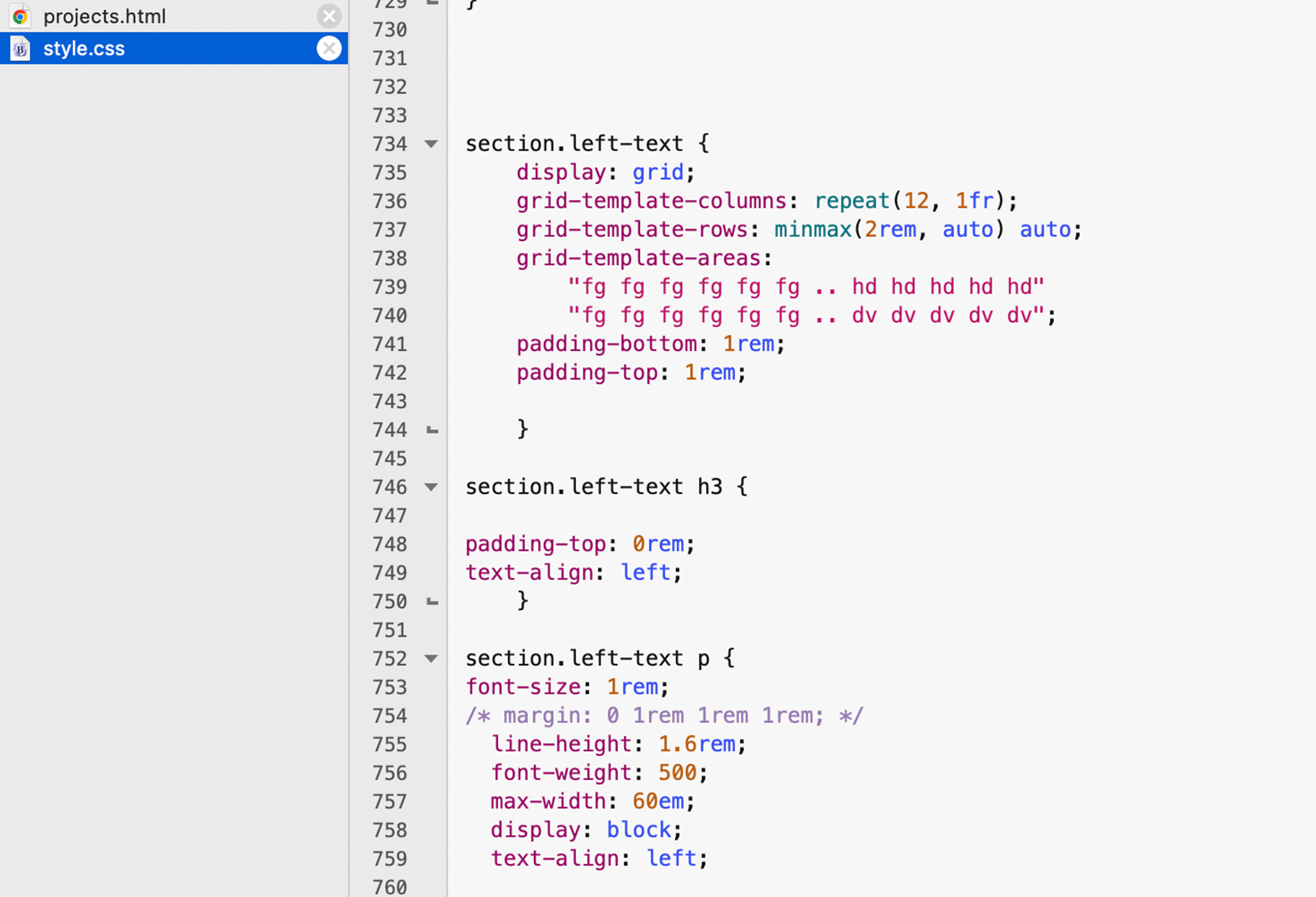
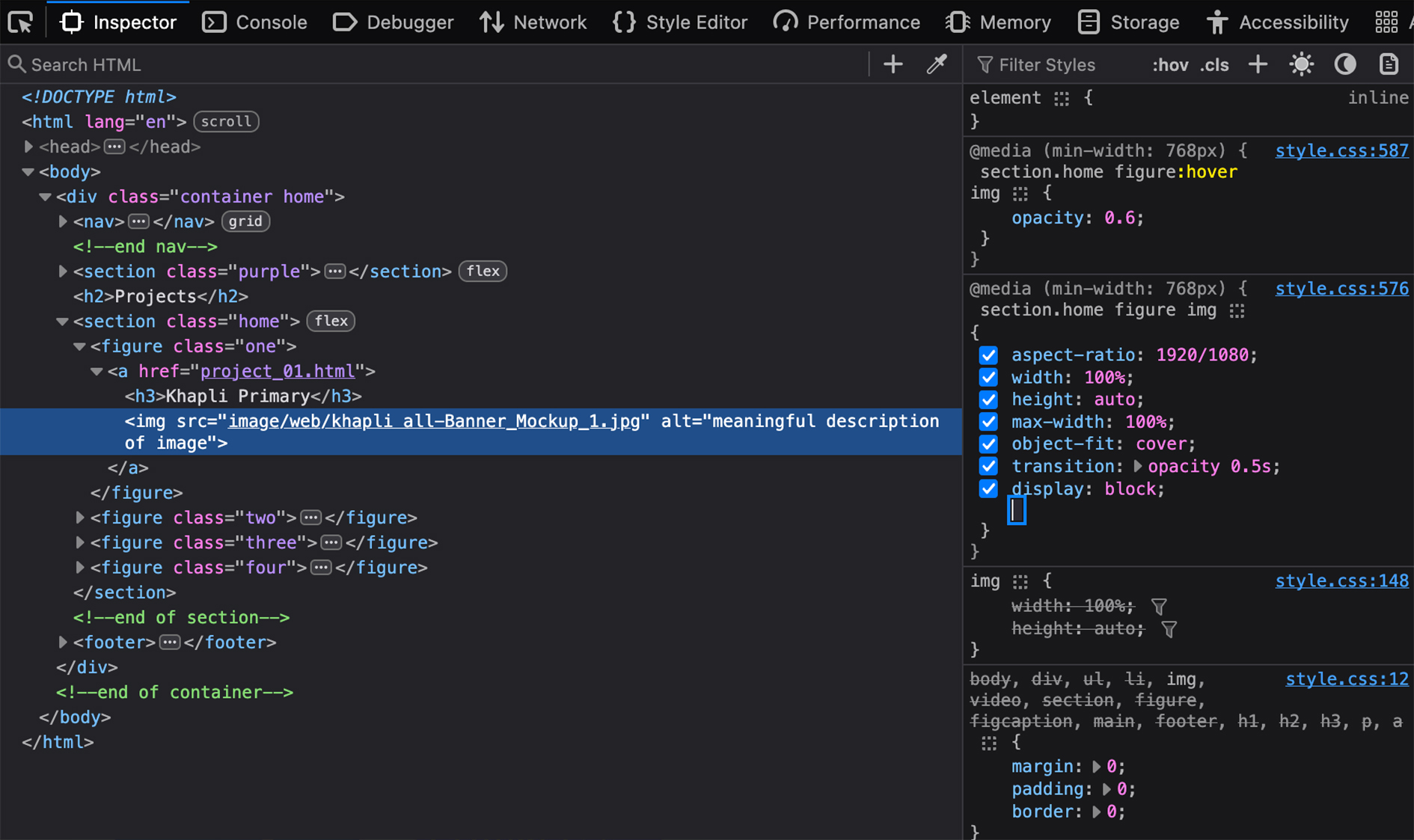
Having completed tutorials on basic coding, my curiosity for coding grew as the project progressed. I used BBEdit to write the code and found FireFox Developer Edition to view and edit my markups. Attending workshops led by Mark Osborne was particularly helpful to me as I gained an understanding of how CSS Grids work, which I then took further to experiment with independantly in order to adjust the grid to suit my website.
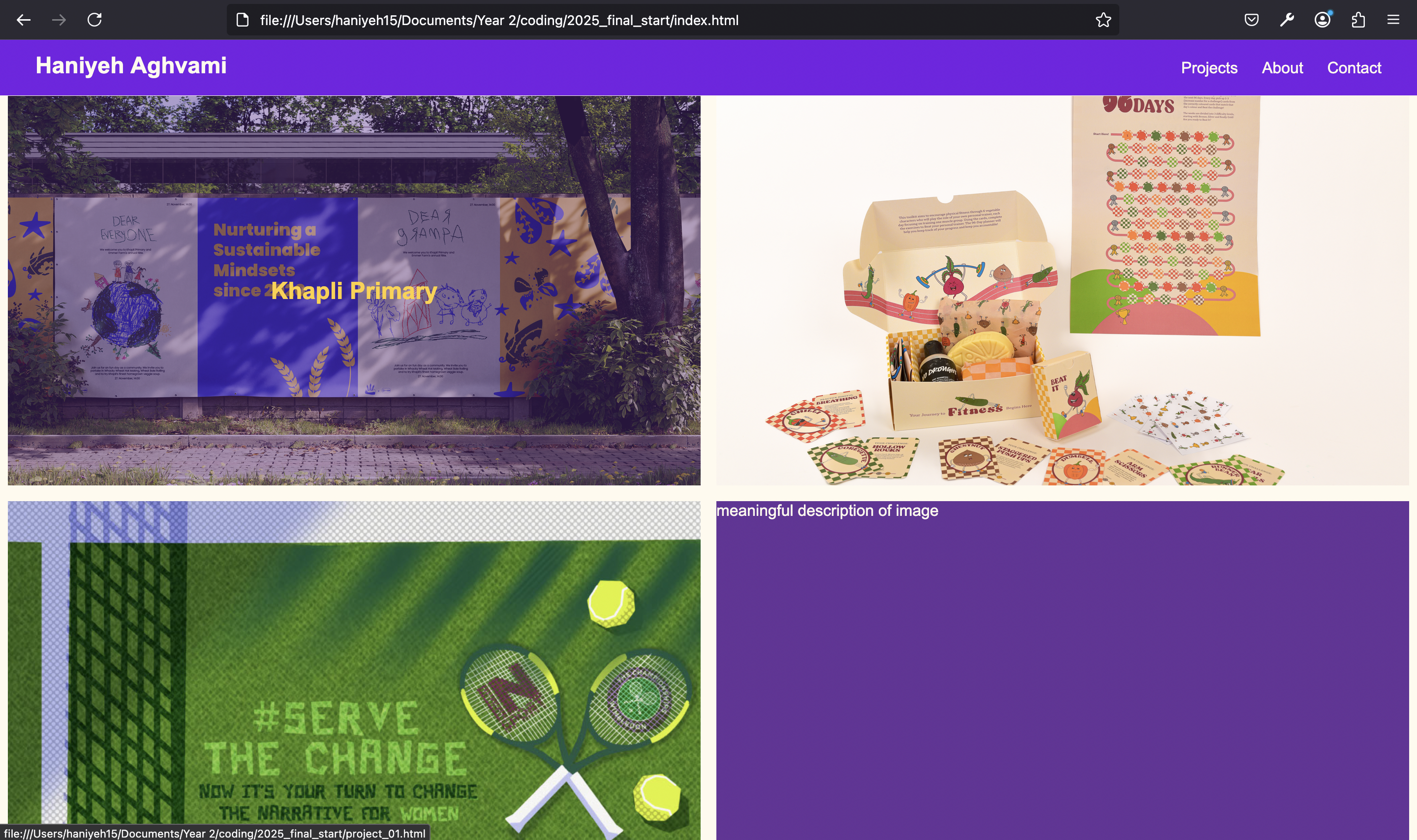
Observing the website live for the first time
During our final workshop, I received valuable feedback from my peers who partook in the user testing. I was advised to ensure all of my links are visible and functioning across all pages, add captions for relevant figures, and ensure my paragraphs are legible on different background colours.
I received positive feedback on clear personal branding, bold opening page and accessible links across the navigation bar and footer.
In preparation for the hand-in, I ensured to check for any mistakes, missing links or bugs via uploading my website on Netlify.
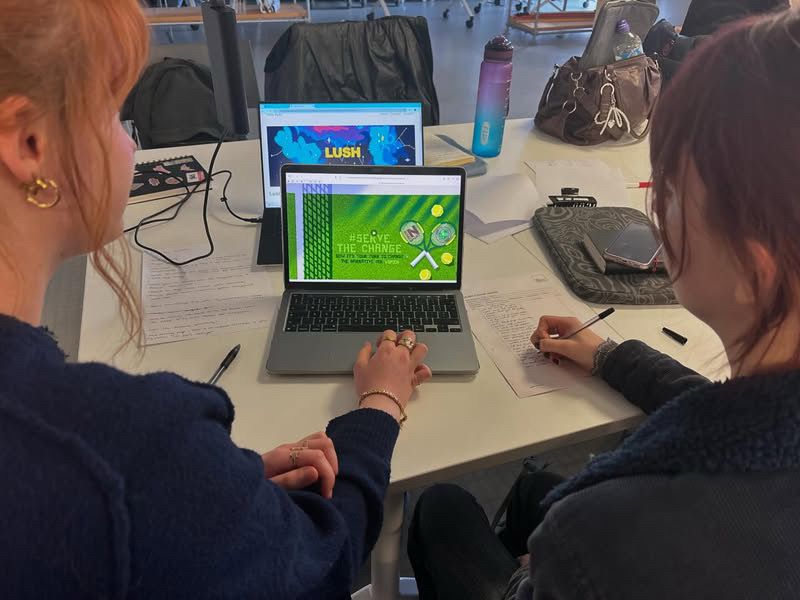
Looking back on the journey
In preparation for this project, I knew I had to be mindful of my time management. Therefore, I began familiarising myself with basic coding during the Christmas break. I used FreeCodeCamp to understand the foundations of HTML and CSS.
Initially, I found coding in CSS and HTML challenging to navigate, especially when problems arose. This unit enabled me to expand my problem-solving skills by being proactive and seeking help from my peers, online resources (W3Schools), and my tutor, Mark Osborne.
I found it challenging to bring my ideas to life when it came to coding. Therefore, during the early stages, I was supervised by Nathan Akrill, a web designer based in Bournemouth, and he was able to guide me through user flow and offer general CSS advice.
This project allowed me to explore a very different side of my creativity, using analytical thinking, critical thinking, and problem-solving abilities to create a visually engaging portfolio design. Having had previous experience with ReadyMag and Figma, I was able to create prototypes of my visual branding and use wireframes to structure the narrative of my website.
Given more time, I would have liked to experiment further with animations that enhance navigation and user accessibility. The idea of coding a website would have intimidated me a few weeks ago. Now, looking back, I’m filled with a sense of accomplishment and a newfound interest in coding, which I’m excited to continue exploring moving forward.